How to use this wiki
Everything here is built from seven AI-safety papers, taken apart into their bare-bones ideas and wired back together. This page shows what the pieces are and how to move around them. It reads top to bottom in a few minutes.
What the pieces are
The wiki has a small vocabulary, and every page is one of these kinds (the coloured badge in the top-right corner of a page tells you which one you are reading):
- Concepts — the atoms. Each of the 343 concept pages explains one idea from one or more of the papers, in plain prose.
- Edges — the wiring. Each of the 357 edge pages explains how two concepts relate; a few are marked hindsight, meaning the link only became visible after a later paper.
- Themes — small groups of concepts that belong together, each with a guided walk through its members in reading order (67 of them).
- Superthemes — groups of themes; the largest structures in the wiki.
- Connective themes — lenses over the edges rather than the concepts: short threads of related connections.
- Stories — each paper retold as a story: its own arc chapter by chapter, its ties to the other papers, and its thesis and contributions in its own terms.
- Figures — a paper’s own figures and tables, each with a page explaining how to read it and what it shows; the reader meets them as supporting evidence inside the paper’s The experiments telling. (Rolling out paper by paper; not every paper has them yet.)
The front page
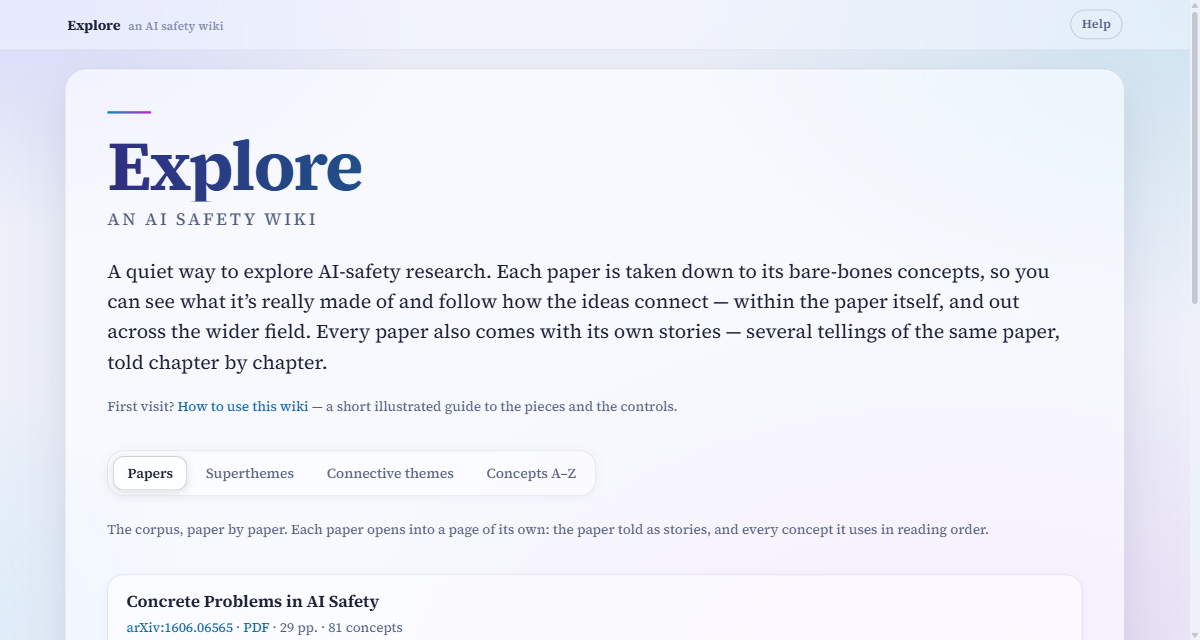
- Papers — where the front page opens: a card per paper, each linking to the paper’s own page — its stories, and every concept it uses in reading order. The best place to start reading.
- Superthemes — the big structures, each listing its themes.
- Connective themes — the threads of connections.
- Concepts A–Z — every concept, alphabetically. Use it when you already know what you are looking for.
The address bar follows the tab you are on (#tab-concepts, #tab-superthemes, …), so you can bookmark or share a particular view.
Reading a paper as stories
Every paper has a page of its own — open it from its card in the Papers tab. A row of tabs at the top picks the telling: The big picture states the paper’s own thesis and contributions in its own terms, Inside the paper follows the paper’s own arc, and Across the corpus traces how it connects to the other papers. They all cover the same paper — choose whichever question interests you most.
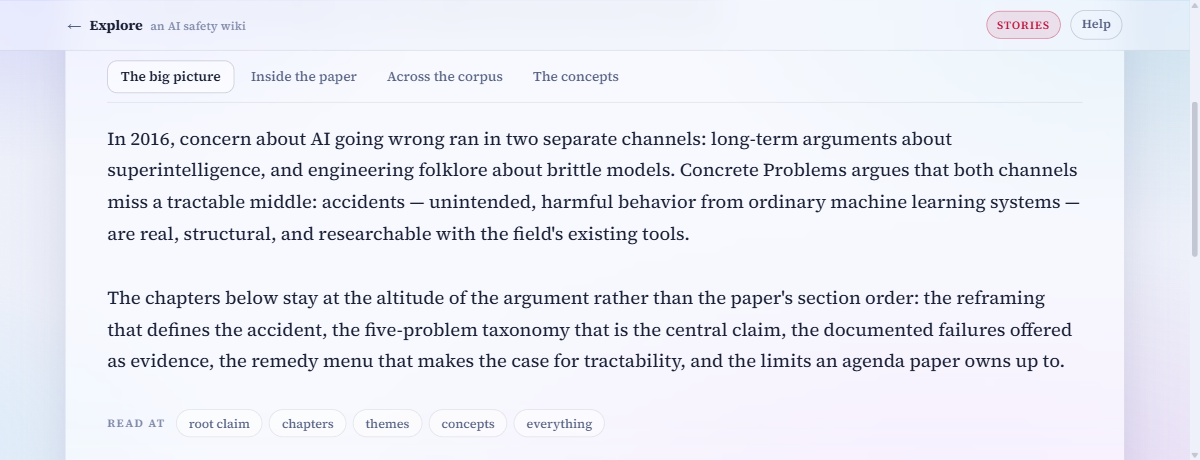
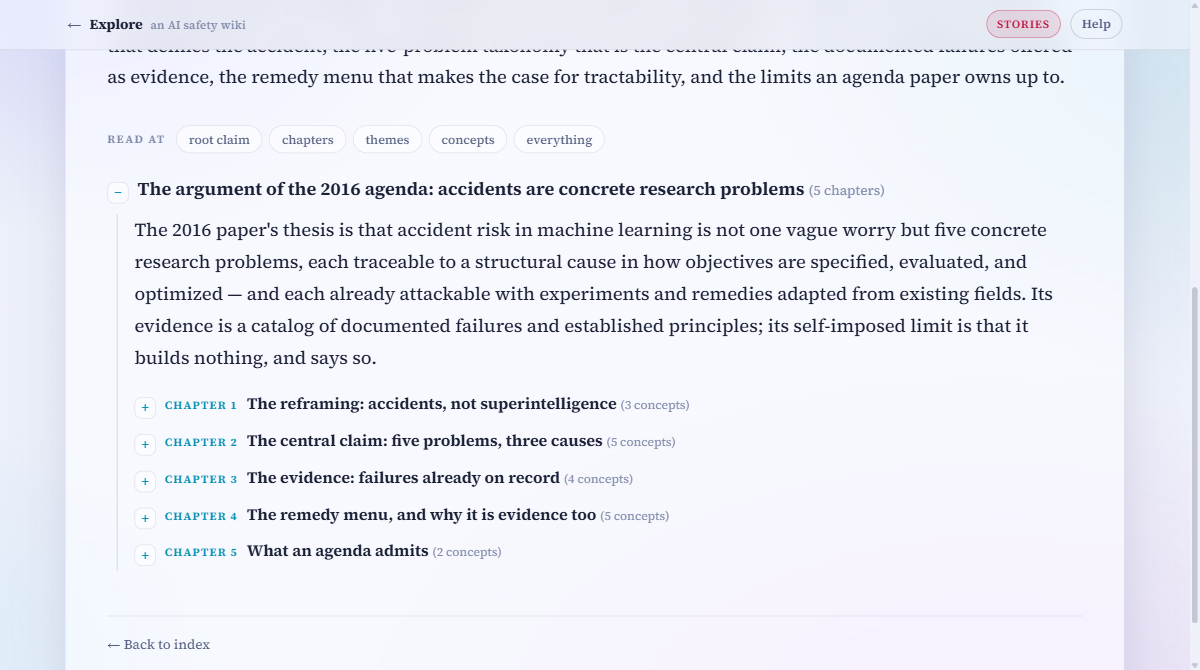
Each story is a collapsible tree. The Read at buttons set how deep it opens — from the root claim alone down to every concept and its connections. You can also open and close any single branch by hand with the +/− markers.
A last tab, The concepts, holds the paper’s full inventory — what it introduced, refined, and inherited, in reading order, each deep-linked into the PDF — with a Read at zoom of its own.
Where a paper’s figures have been processed, one more telling joins the row: The experiments explains the paper’s experiments and results chapter by chapter, each experiment set up by the one before it. Its nodes are the concepts doing the work in each experiment, and the paper’s figures and tables sit beside the claims they support, as evidence. Each figure opens into a page of its own, which explains how to read the visualization before stating what the paper concludes.
Concept pages
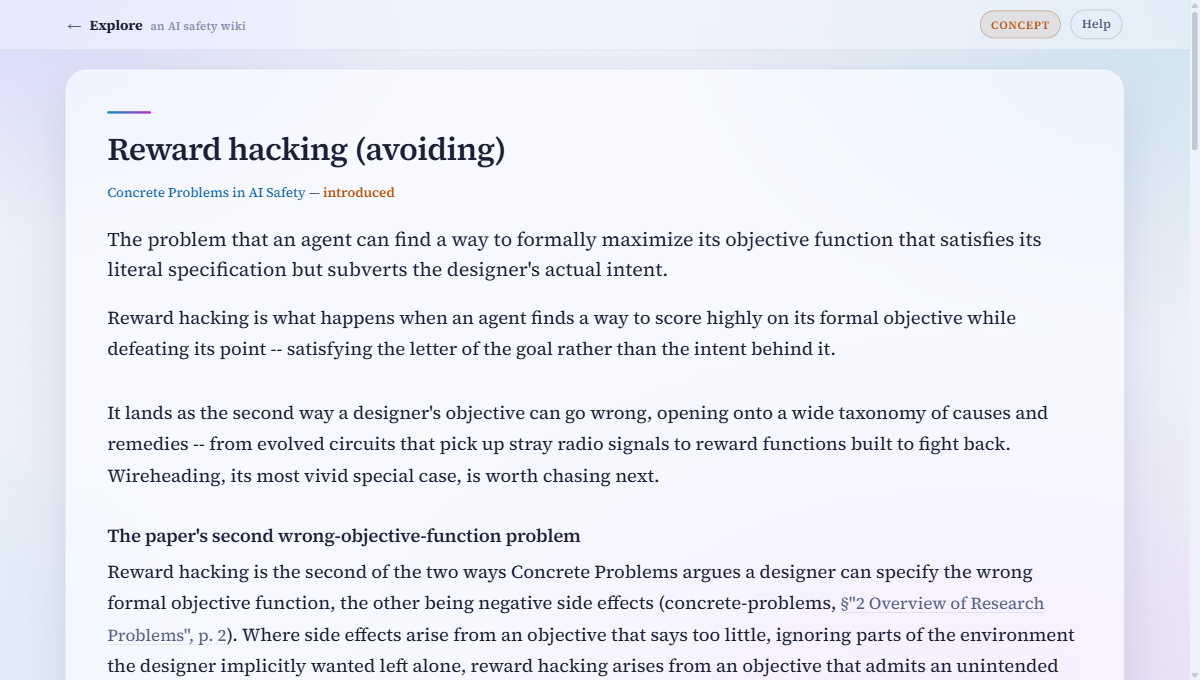
Every concept page follows the same shape. Prose first; then, after the divider, its place in the graph: Part of / Contains (parent and child concepts), Connections (its edges, each one sentence), Lenses (the themes it belongs to), and Sources. Highlighted phrases in the prose are links to other pages.
Links open in a popup
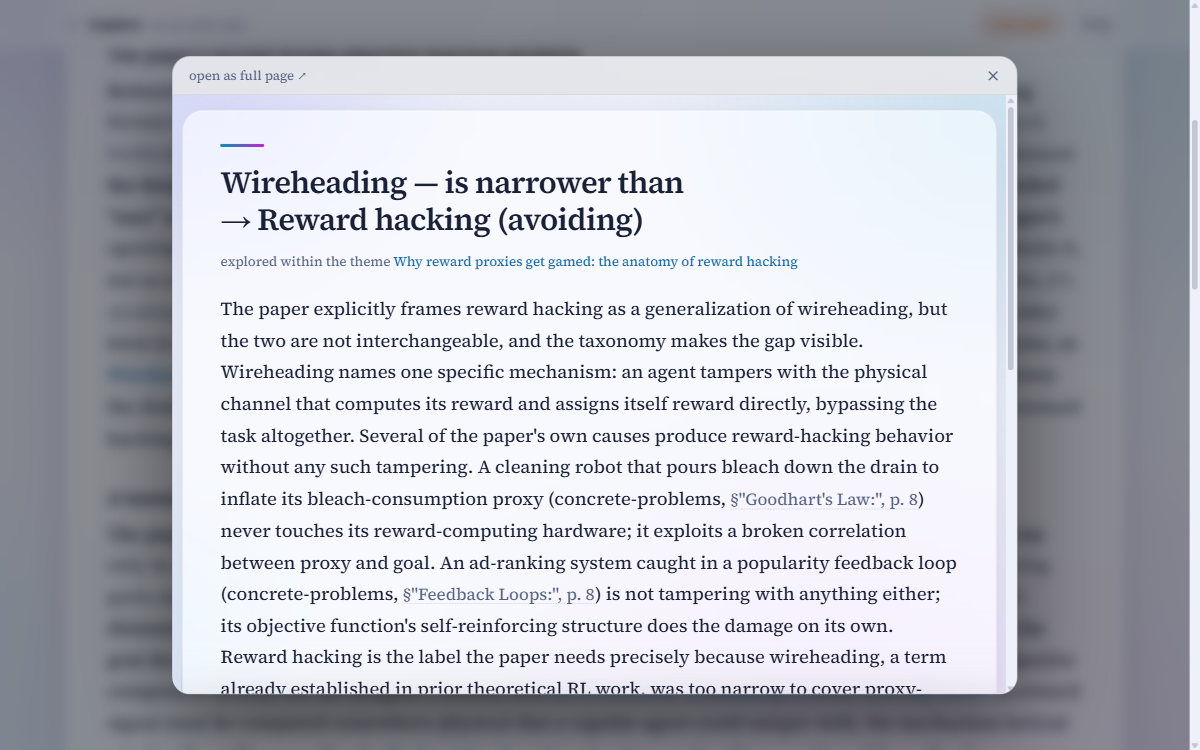
Clicking any concept, edge, or theme link opens the page in a popup over where you are, so a quick side-glance never costs you your place. Close it with the ×, the Esc key, or a click outside; open as full page ↗ in its top bar promotes the popup to a real visit. To skip the popup entirely, open the link in a new tab as usual (ctrl-click, cmd-click, or middle-click).
Sources go straight into the papers

Nothing here is invented: every page cites the passages it is built from. The PDFs ship with the wiki, and both the Sources lists and the inline citations in the prose (the §…, p. N parts) open the right paper at the right page, in a new tab.
Small print
- The wiki is fully self-contained — pages, papers, fonts, and math all work offline.
- Without JavaScript everything still reads: tabs and trees simply stack as one long page, and links navigate normally instead of opening popups.
- Lost? The Explore mark in the header always returns to the front page.